



A CRM system is software that records every lead, customer, sales activity and follow-up in one place, so your team can see where each deal stands and what to do next. For Singapore SMEs, the right CRM fits your sales process, supports your PDPA obligations, works with the channels your customers use, and connects to the systems that handle quotations, stock and invoicing.
Some SMEs use a standalone CRM, while others use a CRM module inside their ERP so sales and accounts share one customer record.
What is a CRM System?
A CRM (customer relationship management) system is software that stores customer and prospect information and tracks every interaction with them, from first enquiry to repeat order. It gives sales, marketing and service teams one shared view of each customer.
For an SME, a CRM typically does four jobs:
- Keeps customer data in one place: contacts, companies, past enquiries, quotations and notes, instead of spreadsheets and personal phones
- Tracks the sales pipeline: which deals are open, at what stage, who owns them and what they are worth
- Prompts follow-ups: reminders and activity logs, so leads don’t go cold when a salesperson is busy or leaves
- Reports on sales: pipeline value, win rates and forecasts that management can check without chasing each salesperson
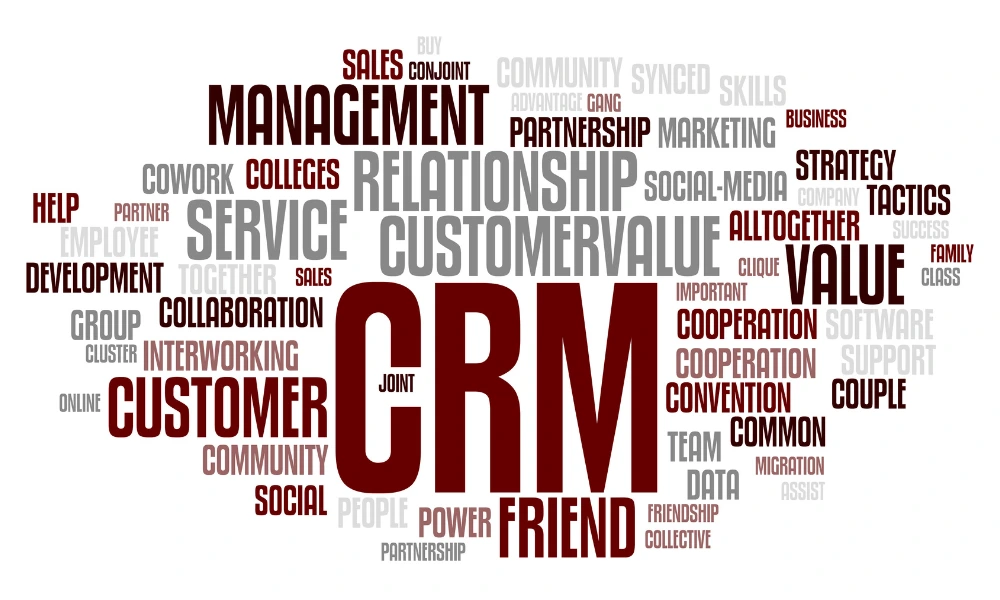
A CRM system keeps customer data in one place.
CRM systems are often grouped into three types: operational (automating sales, marketing and service tasks), analytical (finding patterns in customer data) and collaborative (sharing customer information across teams).
Signs Your SME Needs a CRM System
You probably need a CRM if:
- Customer details live in Excel files, email inboxes and salespeople’s phones
- Leads go cold because nobody followed up, or two salespeople contact the same prospect
- When a salesperson leaves, their customer history leaves with them
- Management can’t see the pipeline without calling a sales meeting
- Quotations are prepared and tracked by hand
- Forecasting next quarter’s sales comes down to guesswork
Core CRM Features SMEs Need
| What it does | Why it matters | |
|---|---|---|
| Contact and account management | Stores companies, contacts, roles and interaction history | One customer record the whole team can see |
| Lead and opportunity management | Tracks each deal from enquiry to won or lost | Shows which deals need attention and what they are worth |
| Pipeline stages | Moves deals through stages that match your sales process | Keeps the sales process consistent across salespeople |
| Activities and follow-up reminders | Logs calls, meetings, emails and next actions | Fewer missed follow-ups; cleaner handovers |
| Quotations | Creates and tracks quotations, ideally with approval steps | Faster, more consistent pricing, linked to each deal |
| Reports and forecasts | Pipeline value, win rate, sales by salesperson or product line | Management sees performance without manual reports |
| Role-based access | Controls who can see and edit which records | Protects customer data and supports PDPA compliance |
| Mobile access | Lets sales staff update records outside the office | Details get entered while they are fresh |
| Integrations | Connects to email, messaging, accounting and inventory | Avoids re-keying customer and order data |
Campaign management, marketing automation, service tickets and AI assistance are useful additions. They are worth paying for once the core features are in daily use.
What to Check When Choosing a CRM in Singapore
Beyond features, a handful of local factors separate a CRM that fits a Singapore business from one that creates extra work.
| Why it matters | |
|---|---|
| PDPA support | The Personal Data Protection Act sets obligations on how organisations collect, use, protect and retain personal data |
| Do Not Call (DNC) checks | Marketing calls and messages to Singapore numbers must respect the DNC Registry |
| WhatsApp and messaging | If customers send enquiries or orders by WhatsApp, those chats shouldn’t stay on staff phones |
| Quotation to invoice | IRAS is phasing in a requirement for GST-registered businesses to send invoice data through InvoiceNow; existing businesses join in stages between April 2028 and April 2031 |
| Local implementation and support | Data migration, training and fixes move faster with a team in your time zone |
| Data hosting | Businesses with data-residency or infrastructure-control requirements need to know where data sits |
| Grant eligibility | Pre-approved solutions can reduce the cost of adoption |
If your team issues GST invoices, the CRM’s link to e-invoicing and accounting will matter more each year as the InvoiceNow phases arrive.
CRM Types by Integration
Most CRMs on an SME shortlist fall into three types. The main difference is how each one connects to the rest of your business:
- Native (suite-integrated) CRM: built into a vendor’s wider suite, such as ERP, accounting or marketing tools, so customer data flows between them with little setup. E.g., the CRM module in Synergix ERP.
- API-first (extensible) CRM: designed around open APIs, webhooks and app marketplaces. E.g., Salesforce with its AppExchange marketplace. Flexible, but each connection is an integration someone has to build and maintain.
- All-in-one (unified) CRM: combines sales, marketing and customer service in one platform, so customer data isn’t scattered across separate tools. E.g., HubSpot. It covers the customer side well, but finance and inventory usually sit in other systems.
You can start with one type and switch later, but moving customer history between systems takes time and money. Choose with the next few years of growth in mind.
Read more: ERP vs CRM: meaning, differences and when SMEs need both.
Synergix ERP: CRM and Operations on One System
In Synergix ERP, the CRM module runs on the same database as quotations, inventory, invoicing and after-sales service, so sales and finance work from one customer record.
- Pipeline by product line: group opportunities by product line, brand or business unit
- Shared ownership: tag the telemarketer, salesperson and sales manager on each deal, each with their own access rights
- Activity and follow-up log: keep every call, meeting and next action with the customer record
- Opportunity costing: track the time and cost spent on each lead
- Connected to operations: quotations with online approval, stock reservation, invoicing, and contract, warranty and maintenance management
For over 35 years, Synergix Technologies has helped more than 600 SMEs and 30,000 users run their business on one system, with industry-specific functions and role-based training for every user.
Book a free demo to see how a CRM on the same database as your quotations, stock and accounts would work for your team.