



Dear Valued Customers,
As we move into April 2026, we would like to extend our heartfelt thanks for your continued trust and support in Synergix ERP Software. Your partnership inspires us to keep refining our solutions to better support your growing business needs.
This month, we are excited to introduce several enhancements aimed at improving system efficiency, strengthening operational control, and increasing visibility across your core business processes. These updates are designed to help your team work more productively, reduce manual effort, and gain clearer insights for smarter decision-making.
At Synergix, we remain dedicated to continuously improving our ERP system to ensure it delivers practical value and supports your organisation’s long-term growth.
Thank you for being part of our journey. Let’s explore what’s new this April!
PAYROLL & FINANCE
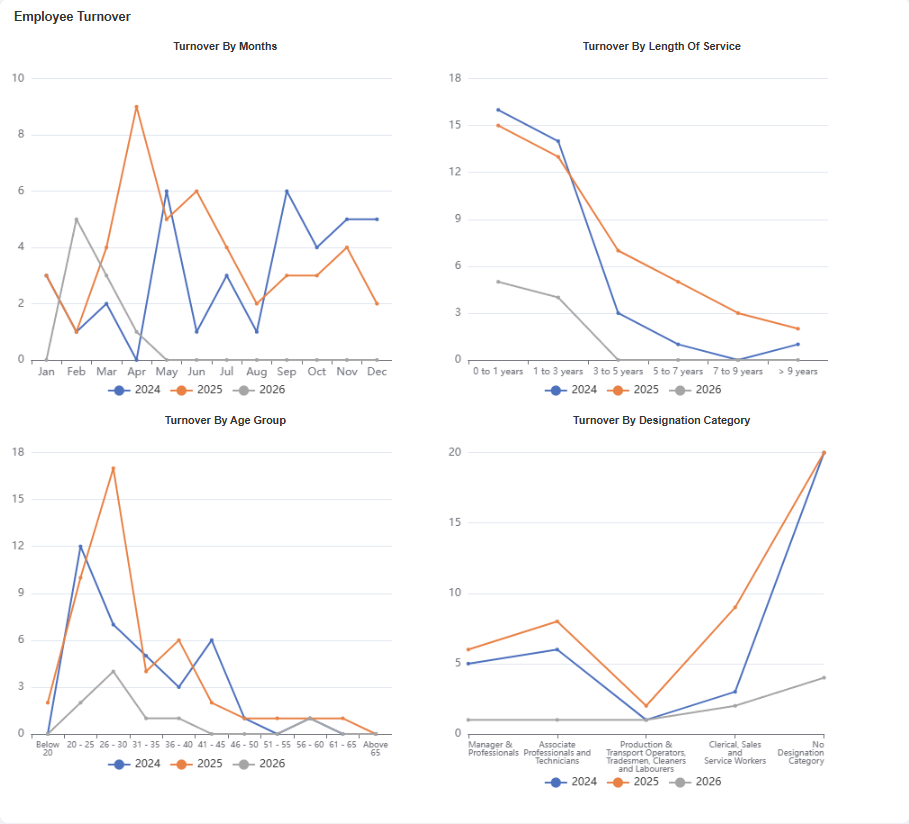
1. Payroll: Employee Turnover Dashboard (Dashboard: Employee Turnover)
The ERP system already provides an employee turnover report, but it is presented in raw data format without visual charts. Users need to manually analyze the data to identify trends across months, age groups, length of service, and designation.
After this enhancement, system now provides an Employee Turnover Dashboard with visualized insights by month, length of service, age group, and designation category. This enables users to quickly identify turnover trends and high-risk groups. As a result, HR teams can make faster and more informed decisions to improve employee retention. The dashboard also reduces manual effort and enhances overall workforce analytics capabilities.
2.Payroll: Employee Headcount Report
(Formcode: TH6R_PY_400462)
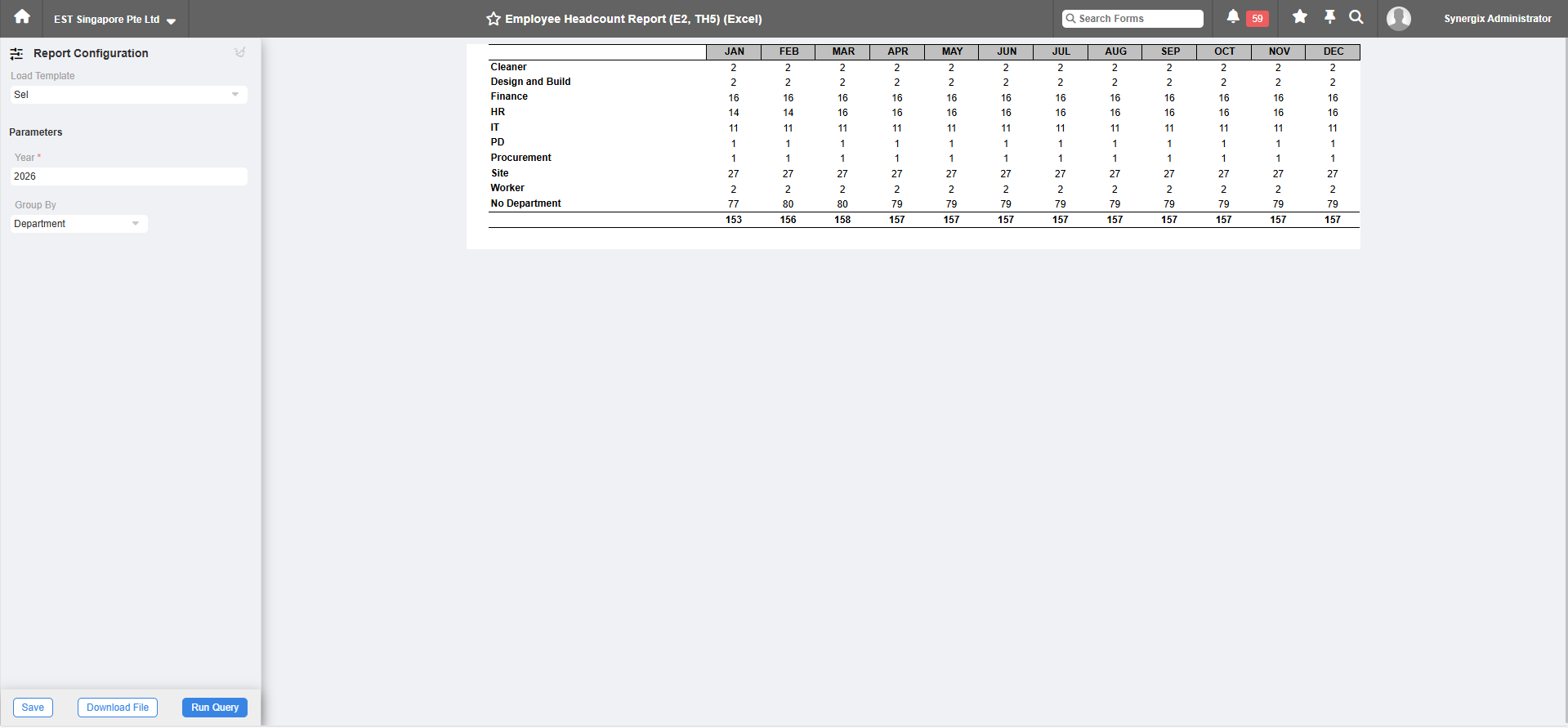
HR and payroll users require a structured and efficient method to monitor employee headcount across different periods and organisational groupings for more accurate workforce tracking.
A new Employee Headcount Report is introduced to display monthly headcount based on a selected year. Users can group the data by Department, Designation, or Employee Payroll Category, with results arranged alphabetically. The report counts employees as long as they are active within the selected month, even if they worked only part of the month.
This enhancement provides a clear monthly view of employee headcount in a single report. It allows users to analyze workforce distribution using flexible grouping options and monitor trends throughout the year. The report reduces manual tracking effort and improves reporting accuracy.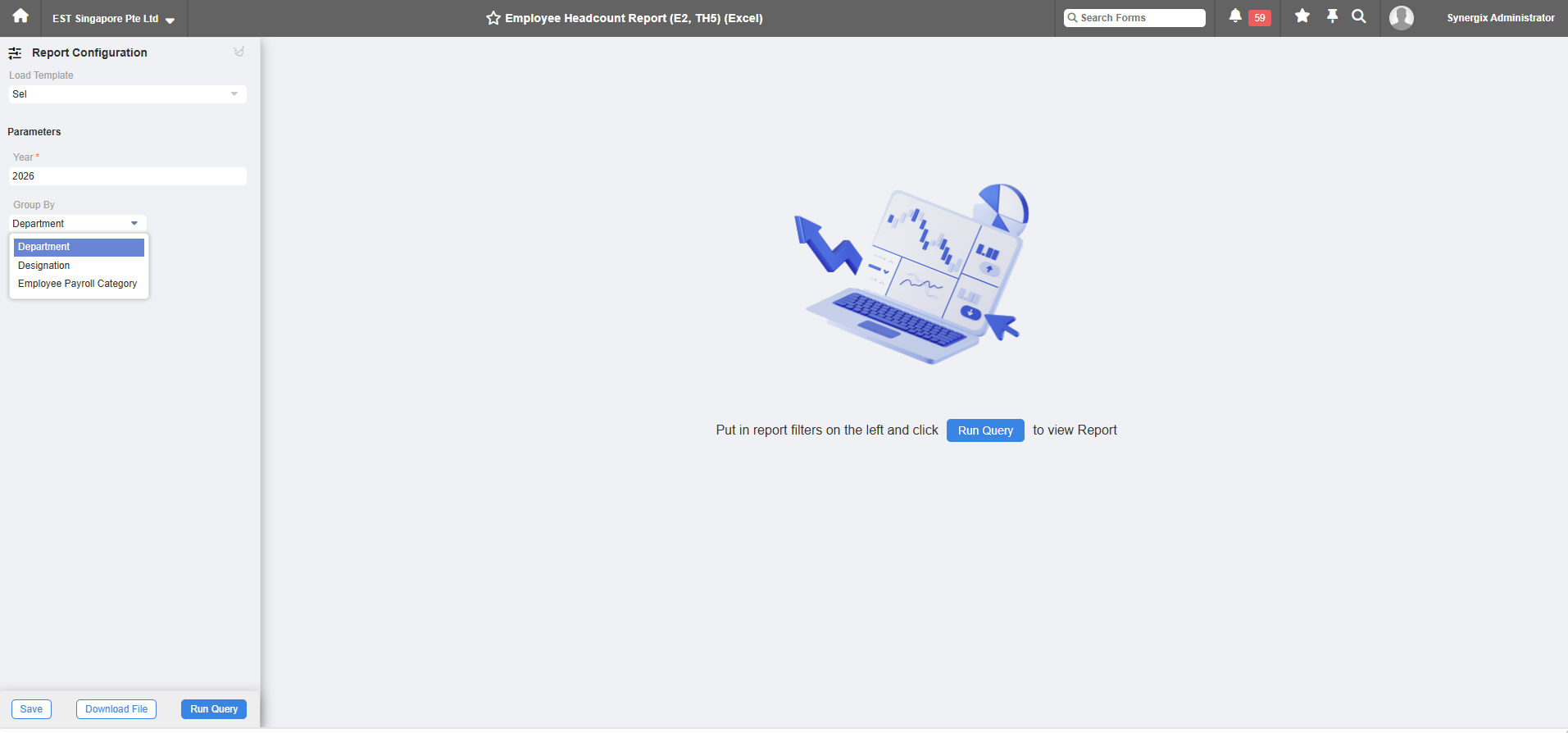
SCM & MFG
1.Purchase Order Enhancement – Purchase Order to align with other screens (Sales Order) (Form Code TH6_PU_ORDER_V1_E2A)
The Purchase Order UI has been redesigned to align with the Sales Order (SO) screens and the broader E2A interface standards, ensuring aesthetic and functional consistency across the system.
For organisations where the same staff handle both sales and purchases, this consistency reduces confusion. It simplifies the learning process and allows users to navigate different modules more intuitively.
PROJECT
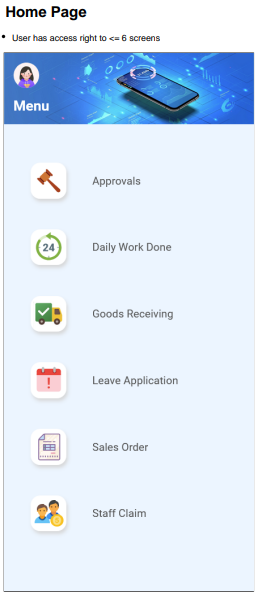
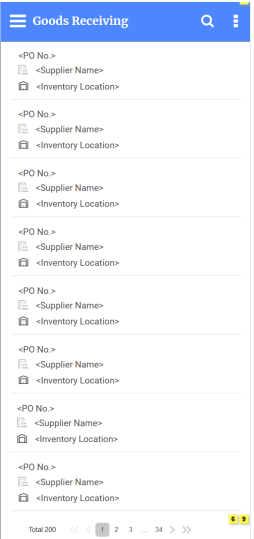
1. Mobile GRN (Goods Receiving) (FC: TH6_GOODS_RECEIVING_MOBILE_V1_E2A)
In Synergix ERP Software, a new Mobile GRN screen has been introduced. It supports barcode scanning (via camera or external scanner) to retrieve lot and serial numbers. Users can create draft GRNs (one per source PO), which convert to History GRNs upon submission.
This mobile integration allows for real-time data entry at the point of receipt. By maintaining the same validation rules and data tables as the desktop version, it ensures data integrity while providing the flexibility of mobile hardware.