


Dear valued customers,
Thank you for your unshakable faith in the Synergix ERP Software. This email was developed to keep you informed about our most recent features. These improvements are made as part of our ongoing efforts to embrace innovation and improve user-friendliness for the benefit of our customers.
Here are some April 2023 updates.
Project & Contract
1. New UI “Budget Category Group” screen (FC: TH6_PJ_BUDGET_CATEGORY_GROUP)
This month, to make the Budget Category Group screen become modern and easier to use, Synergix ERP Software engineers made some UI enhancements based on our standard library. Below are the before and after photos:

Previous Budget Category Group screen
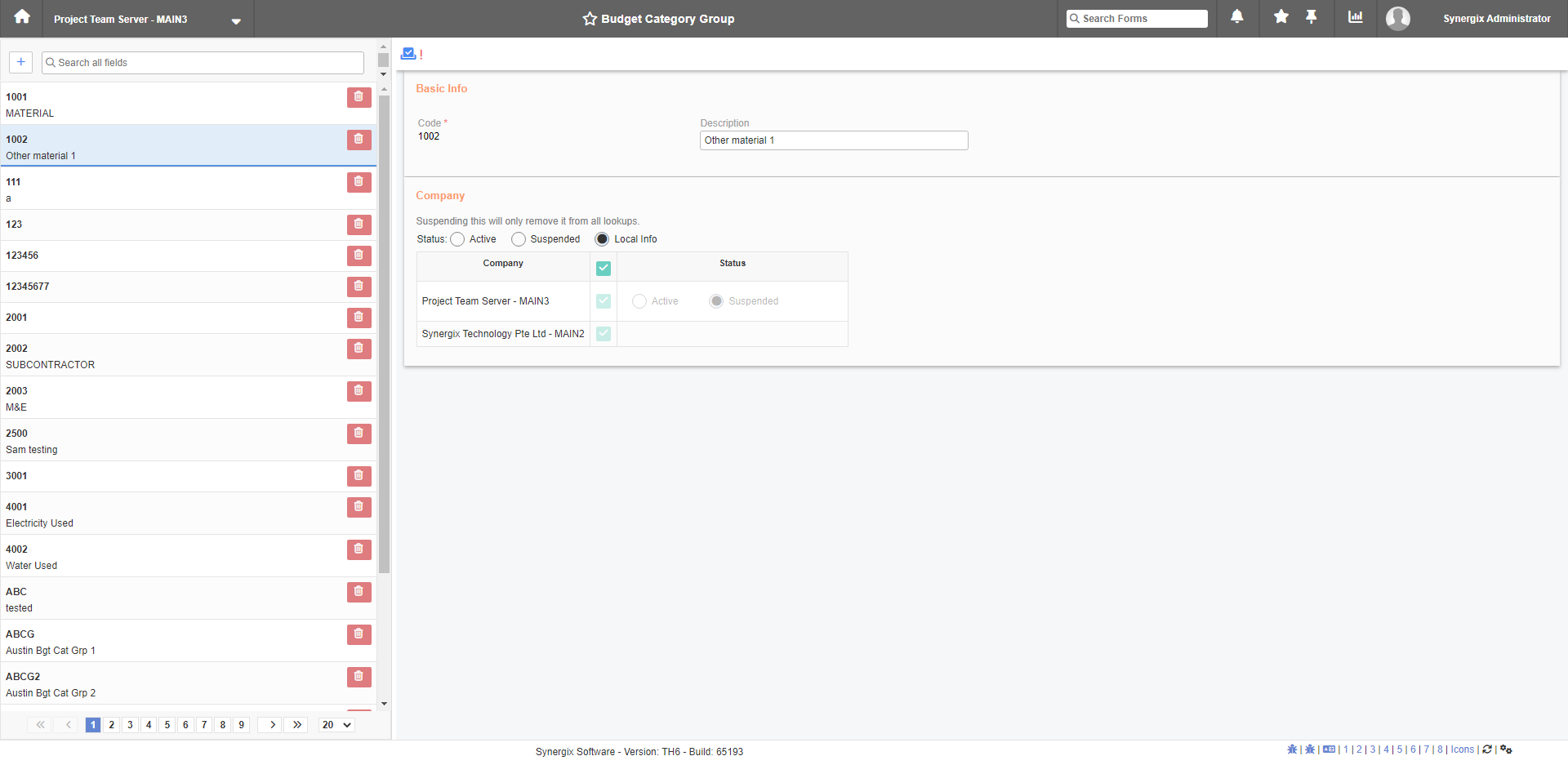
Current Budget Category Group screen
2. New UI “Budget Category” screen (FC: TH6_PJ_BUDGET_CATEGORY)
We also made some UI enhancements for the Budget Category screen. Please check the images below to see the differences.

Previous Budget Category screen
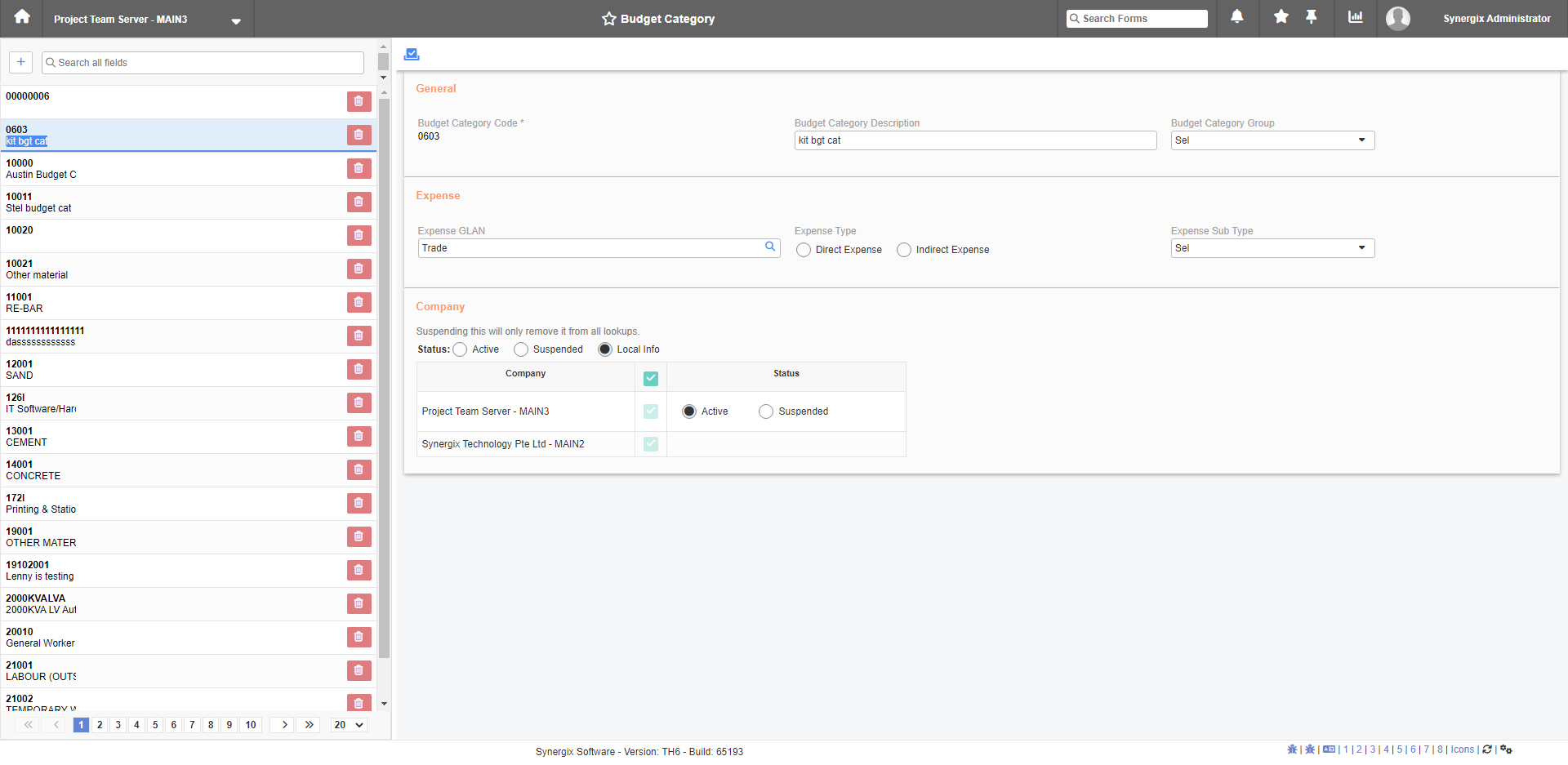
Current Budget Category screen
3. New UI “Project Template” screen (FC: TH6_PJ_TEMPLATE)
The Project Template screen has been updated to a new version. We removed all unnecessary information and enhanced the UI for this screen. For example:
- Removed the “Phase Group” column from the details table.
- Removed “No.”, “Days”, “Pack Size”, “No. of pack” and “Unit Price” columns from the Costing Sheet table.
- Changed to “Unit Cost” column in Costing Sheet table.

New UI “Project Template” screen
SCM & MFG
1. Work Order Report for Productivity Analysis (FC: TH6_MFG_WO_PRODUCIVITY_ANALYSIS_REPORT)
From now on, Synergix ERP System has “Work Order report” for productivity analysis. This report is used to assist customers to do the analysis of the time-consuming on each manufacturing process/stage. Users can use the data and insights from this report to optimize their processes.
2. Indicate Sales Category Upon Creating Sales Order screen (FC: E1-TH6_SALES_ORDER_ E2)
This month, in the Sales Order screen, we added a sales category section. This may help users to have more choices.
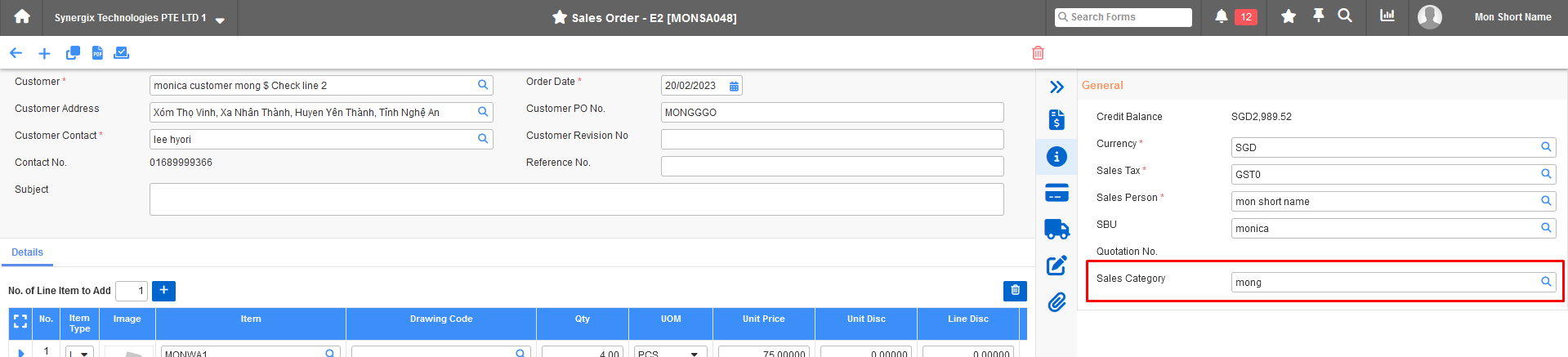
Indicate Sales Category Upon Creating Sales Order screen